

A little California curiosity
Pitstop
Make the drive
part of the trip.
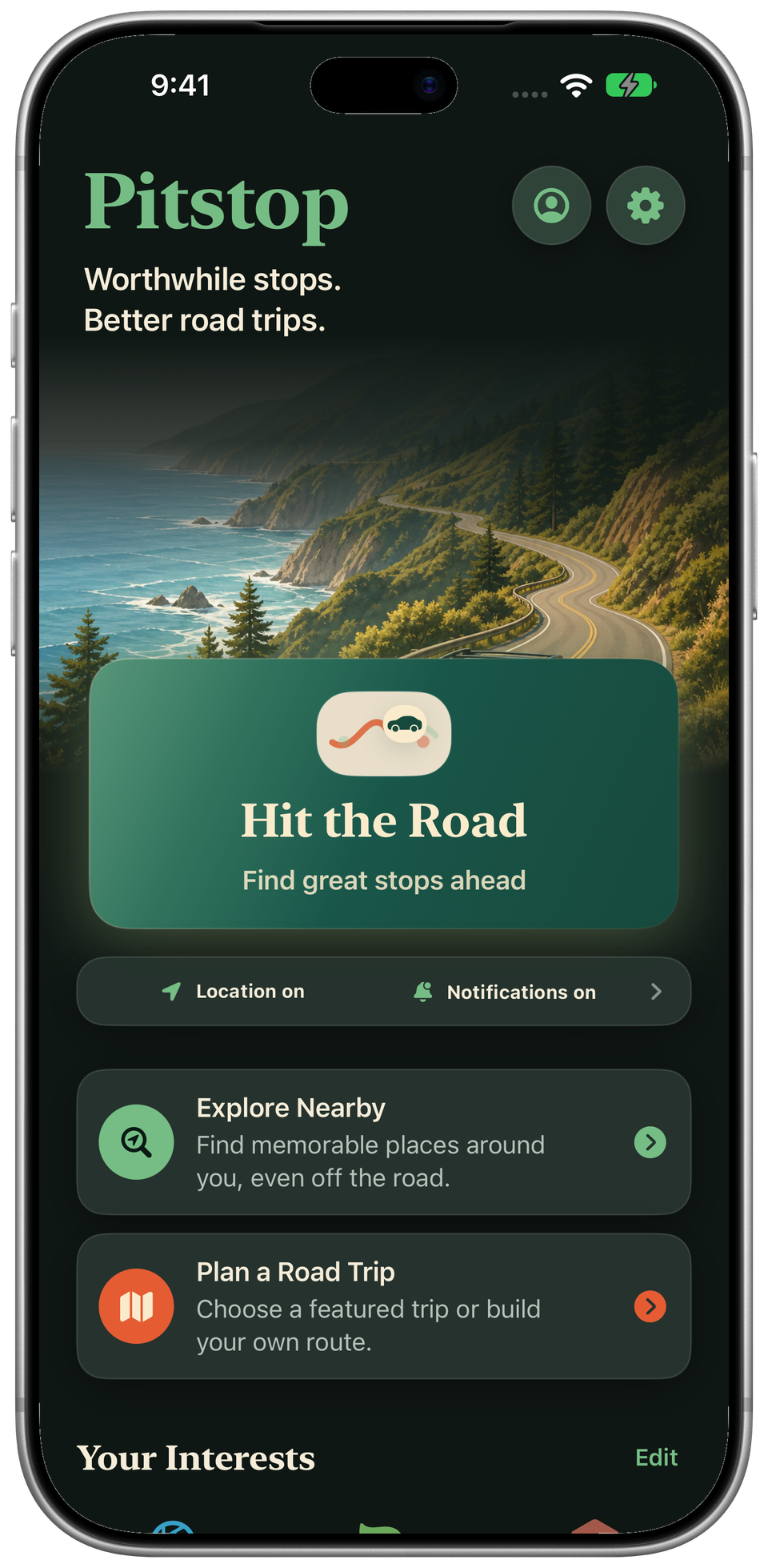
Find cool stops along your drive. Scenic views, local bites, great coffee, and the detours you'll talk about later.
In TestFlight · Not yet on the App Store
McWay Falls, Big Sur
Don't just drive past it.
Some of the best parts
aren't the destination.
A roadside bakery. A tucked-away overlook. That spot you never would have searched for. Pitstop makes a little room for finding them.
Meet your passenger-seat companion
A little less planning.
A lot more finding.
Start anywhere
A good drive
starts with curiosity.
Already on your way? Hit the Road. Just arrived? Explore Nearby. Planning the next escape? Pick a drive.
No Pitstop account. No itinerary required.
Along the way · Included free
Worth a stop.
Just ahead.
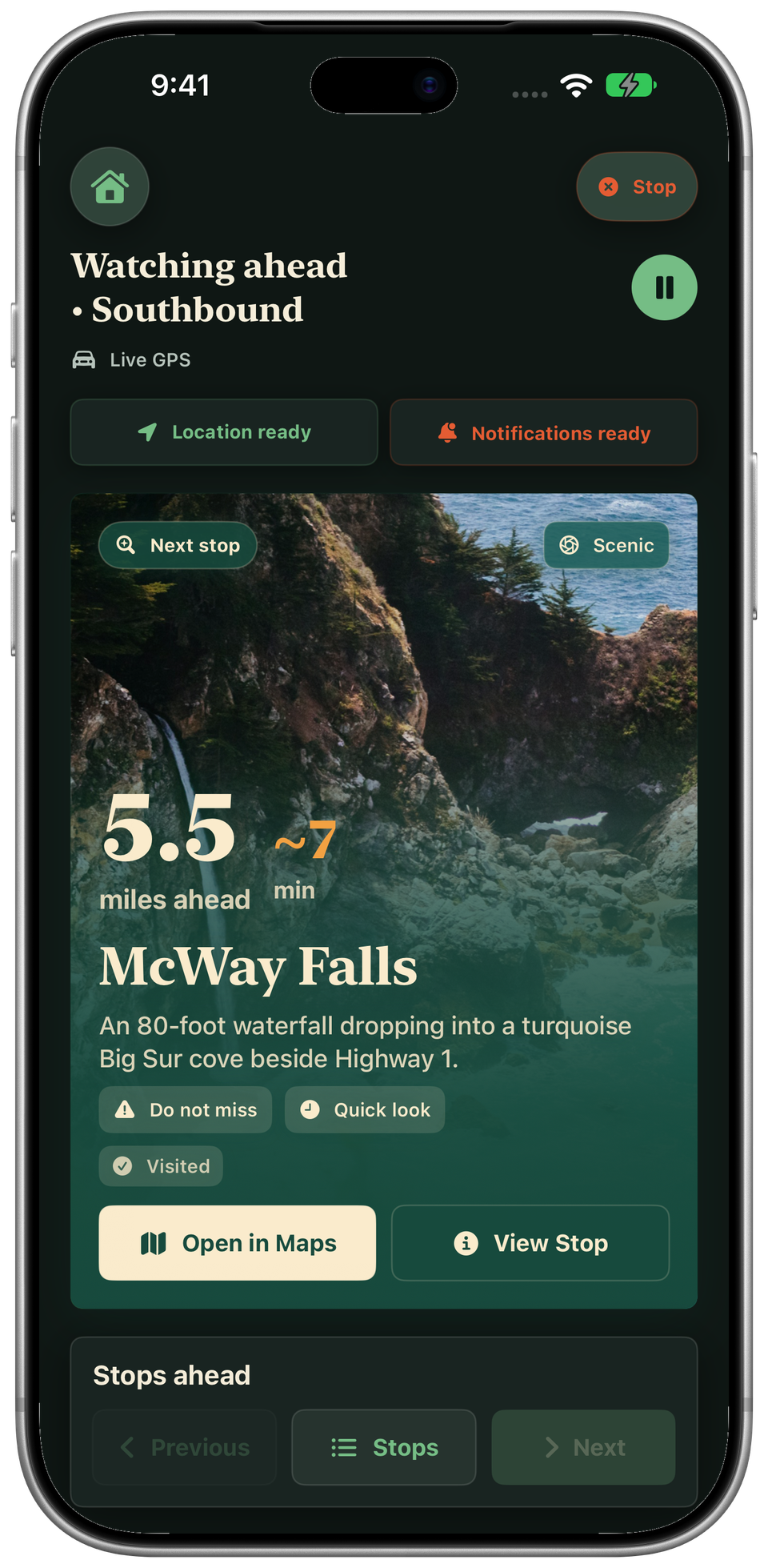
Discover places along your drive, see how far away they are, and get optional alerts before a worthwhile turn-off.
Made for the passenger seat. Pull over safely before using your phone.
Once you're there · Included free
New town.
Good finds.
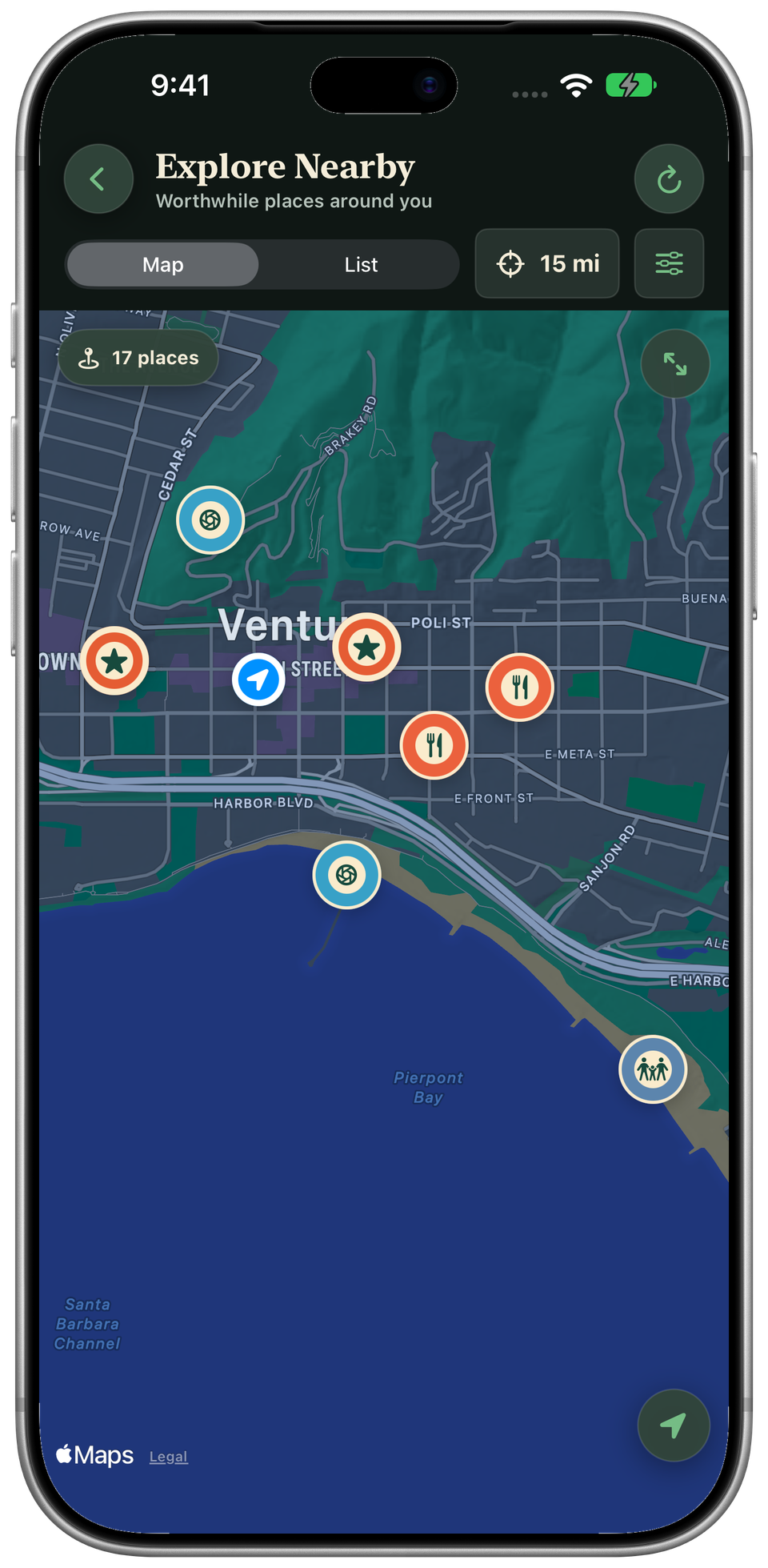
Checked in and ready to wander? Find places around you on the map, narrow things down by interest, or browse the list.
A little discovery, even when you're not driving.
Featured Trips · Premium
An iconic drive.
Your kind of stops.
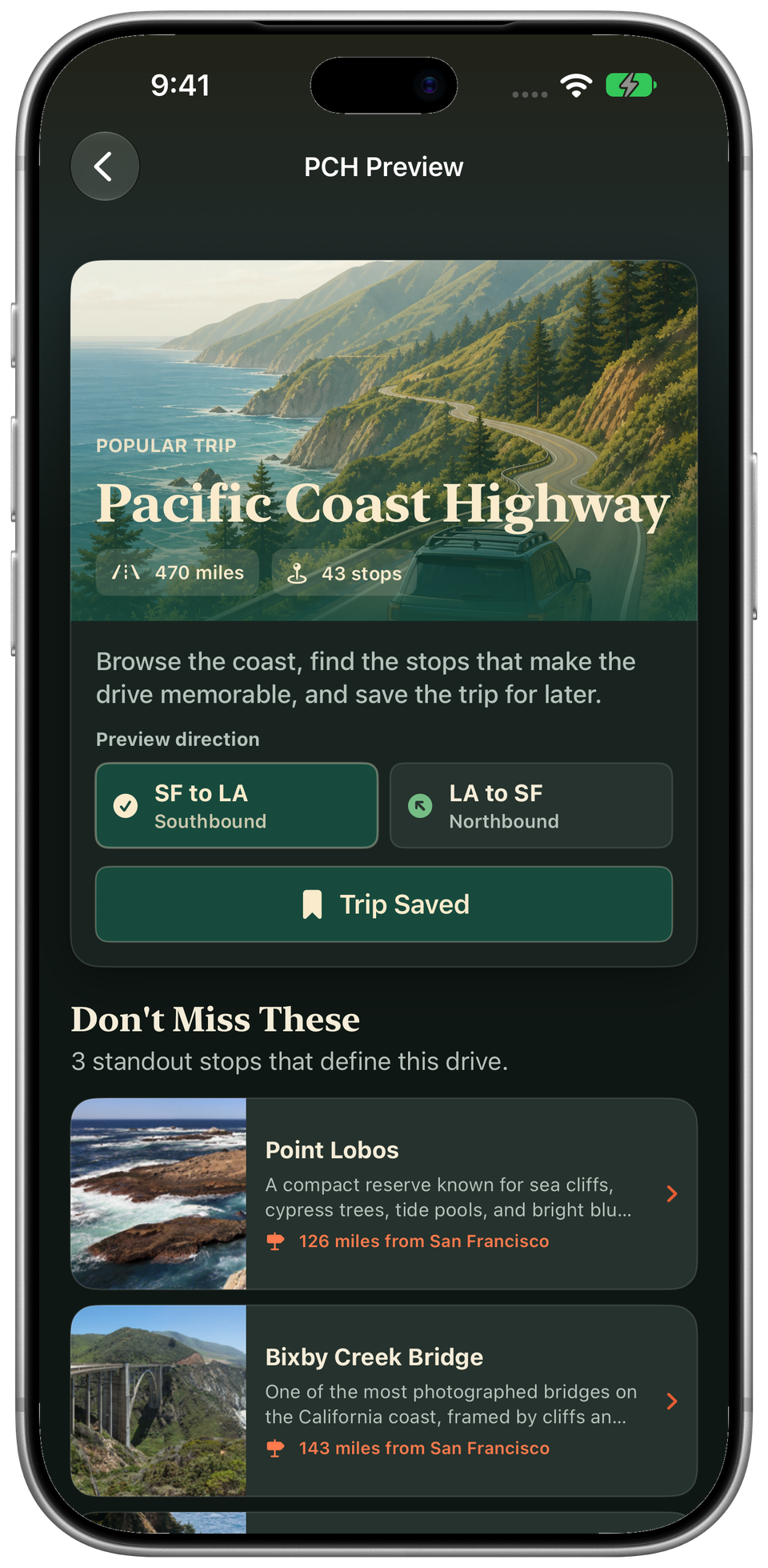
Browse California's memorable drives, get a feel for the highlights, and save the ones that belong on your list.
From coastal weekends to a drive through wine country.
Plan a Road Trip · Premium
Point A to B.
And the good stuff between.
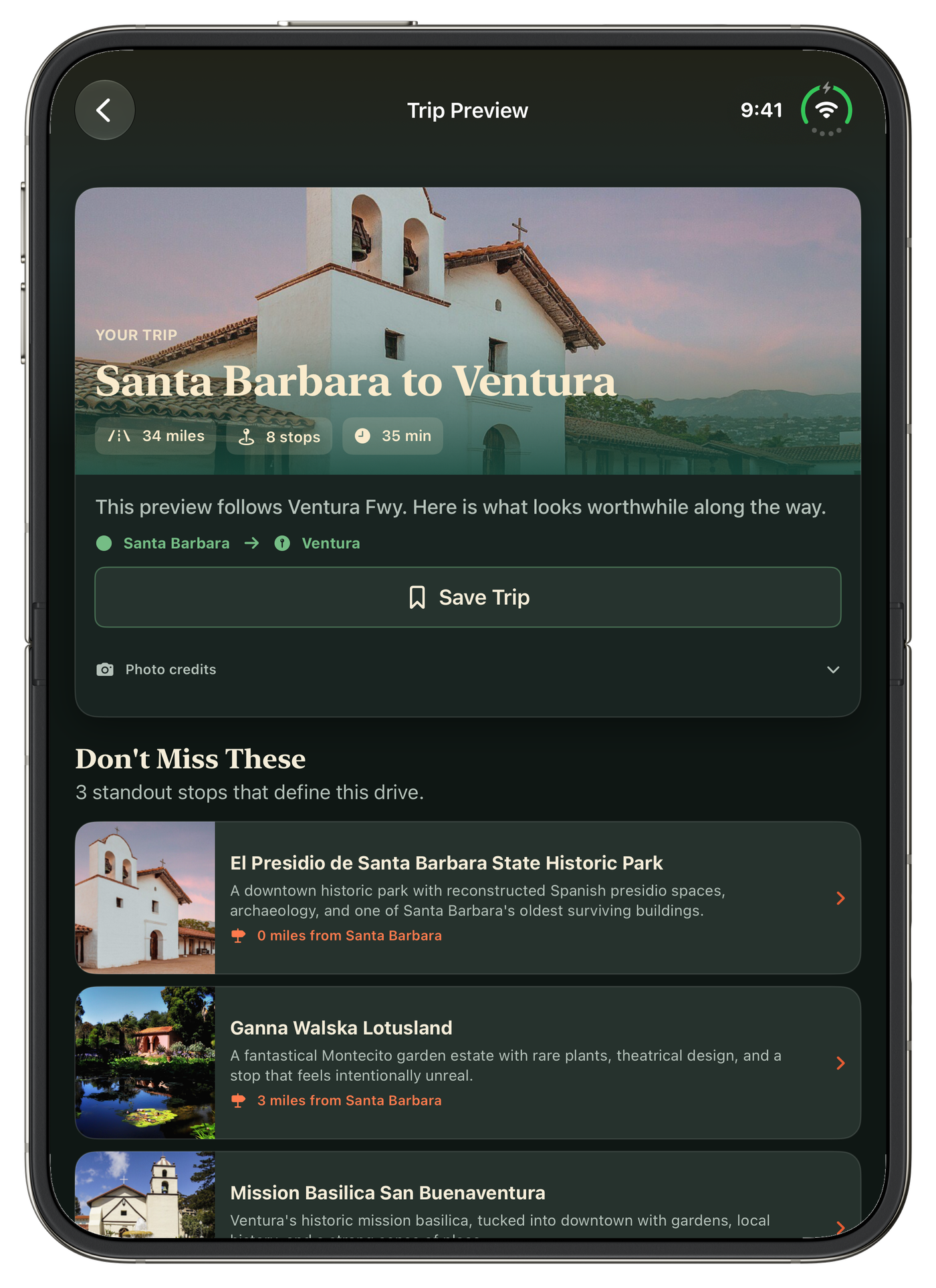
Set a start and destination, preview standout places along the drive, and save the trip for another day.
A trip preview, not turn-by-turn navigation. Open individual stops in Maps.
Your Trip Journal
Keep the stops
that stay with you.
The coffee, the conversation, the view. Log a visit and add your own notes and photos to remember what made it yours.
Five entries free. Unlimited with Premium. Private iCloud sync when available.
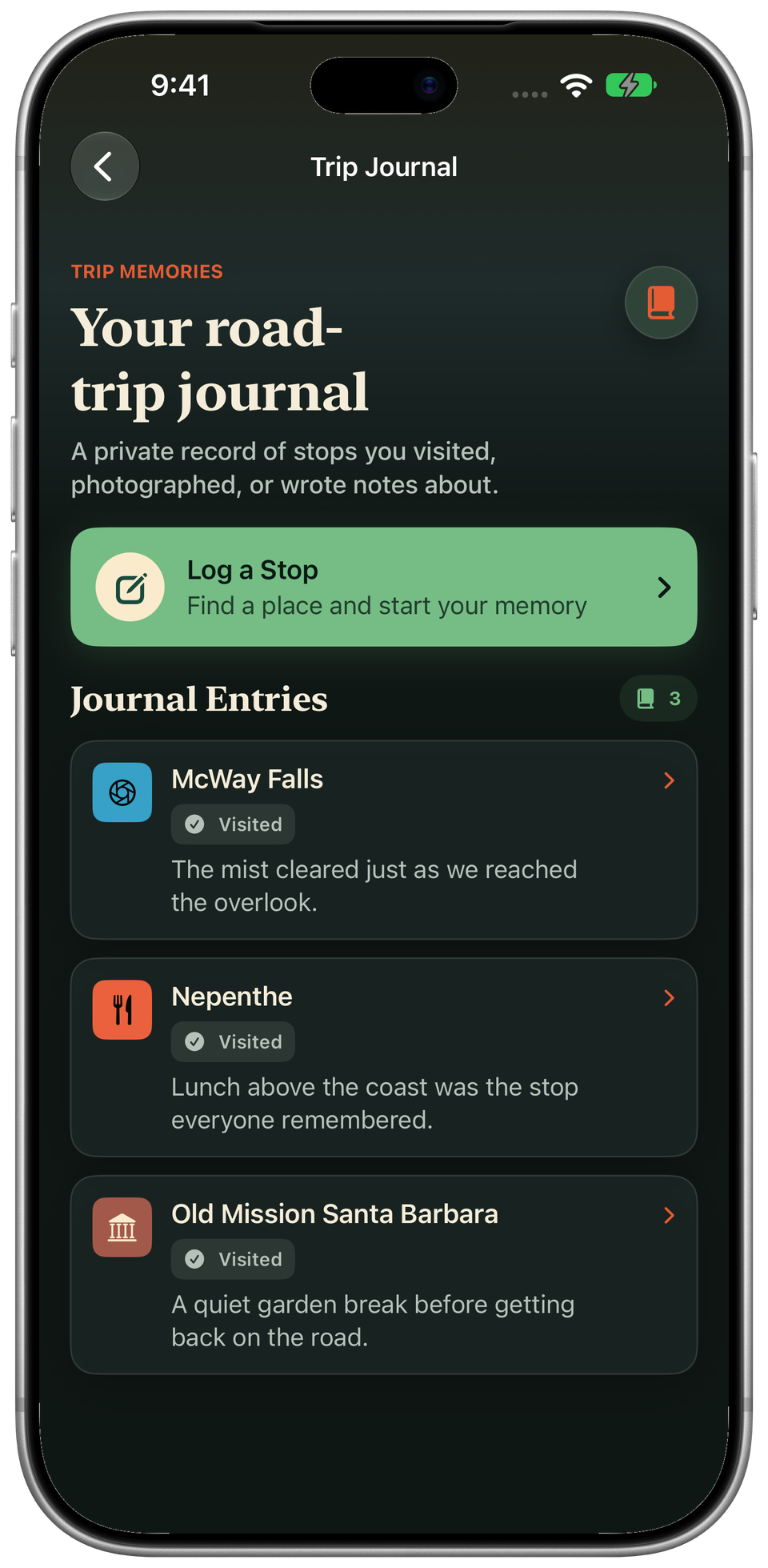
Actual app screens with demonstration content. Photo credits
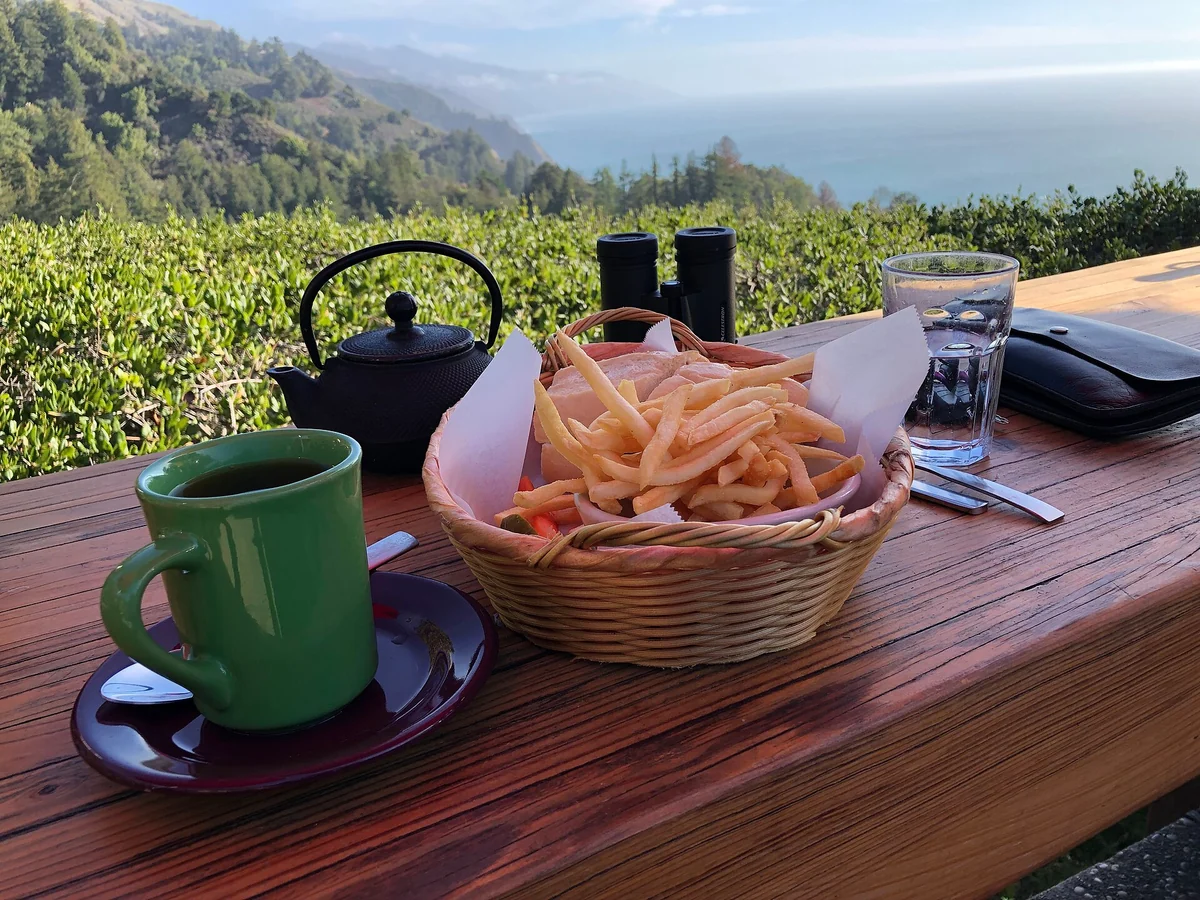
For the food stops, too.
Good coffee.
Local flavor.
Worth the detour.
The diner with a story. The bakery everyone in town knows. Lunch with a ridiculous view. Pitstop looks beyond the usual roadside chains.
Pitstop on iPhone Duo
Your trip.
A little more room.
A quick look on the outside screen. Your trip and its map side by side when unfolded.
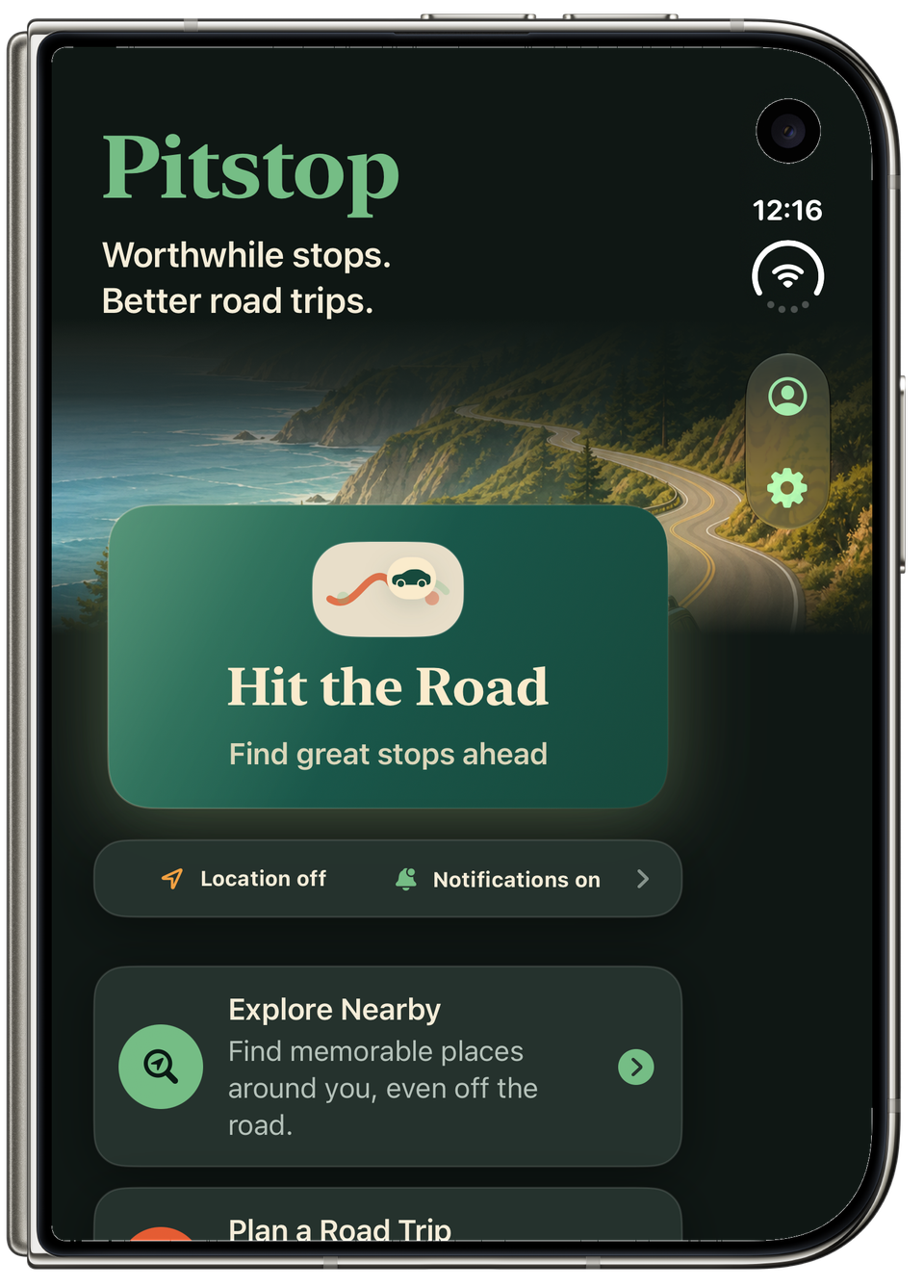
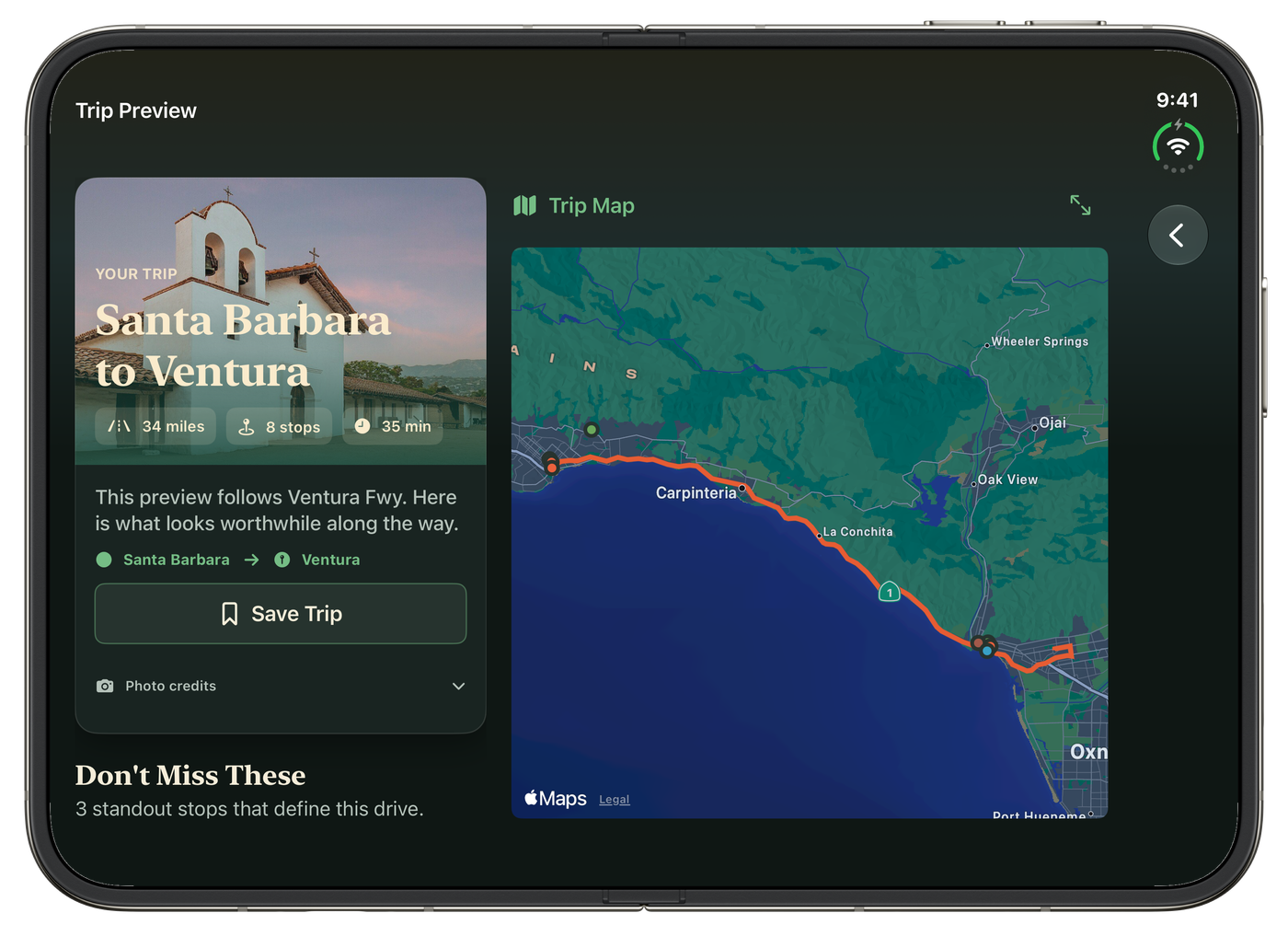
Trip preview and map, side by side.
Before you head out
Good to know.
Can I download Pitstop yet?
Pitstop is in prelaunch TestFlight testing, not yet publicly available on the App Store. Join early access for launch updates. Joining the list doesn't guarantee a TestFlight invitation or a launch date.
Where can I explore?
Pitstop starts with a curated California catalog. Coverage varies by area; it isn't a directory of every place. Check current opening hours, access, and road conditions before visiting.
Does Pitstop replace Maps?
No. Pitstop helps you discover stops and preview drives. It hands individual destinations to Maps for navigation. It does not provide turn-by-turn directions or a CarPlay app.
Do I need an account?
No Pitstop account is required. Your journal and saved trips use your private iCloud database when available. The iPhone app has no advertising or cross-app tracking.
Photography credits
Real places, credited photographers. App preview photo credits.

Don’t just drive past it
Find your next
worthwhile stop.
Pitstop is in TestFlight. Get an email when there's launch news.
Secure signup. We’ll only email you about Pitstop.
Your request has been received.